| Option |
Meaning |
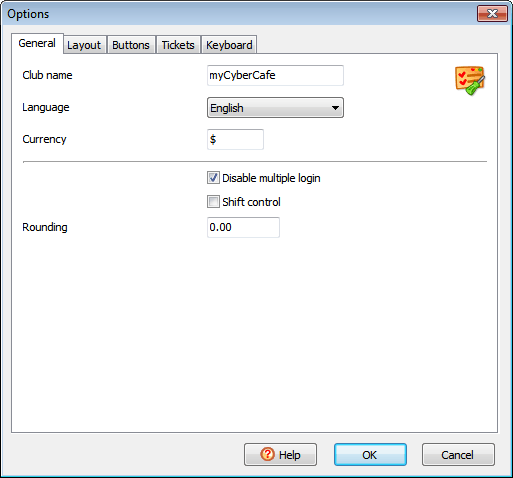
General |
| Club name |
Your cafe/club/hote/etc. name |
| Language |
Interface language |
| Disable multiple login |
Don't allow simultaneous logins using a single account |
| Shift control |
Enable shift control. Started shift is required to accomplish any transaction |
| Rounding |
Round total session amount. For example, if Rounding = 0.5 and the session total = 1.30, it's rounded to 1.50. Rounding disabled when = 0 |
 |
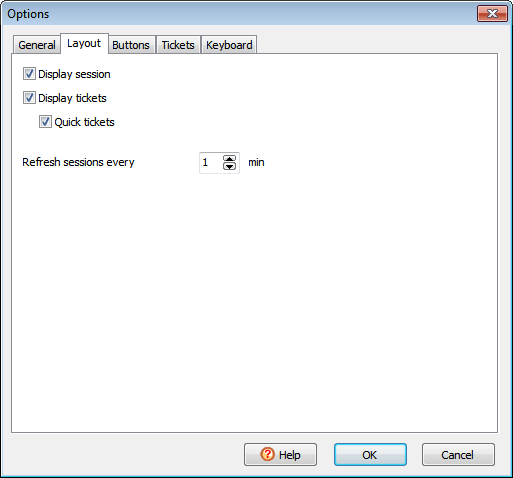
Layout |
| Display session |
Display the brief session info pane |
| Display tickets |
Display the sale ticket pane |
| Refresh sessions every X min |
How often the sessions pane is refreshed |
 |
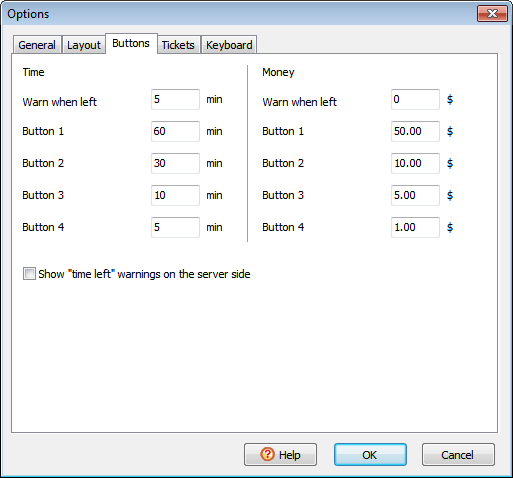
Buttons |
| Time/money warn when left |
Mimimal amount of time/money left when warnings (colours, dialogs, sounds, etc.) are displayed |
| Time/money button 1, button 2, etc. |
Amount of time/money that is added to a session
when you press the corresponding button on the "Add time/money" dialog
|
| Show time left warnings on the server side |
Display warnings on the server side
|
 |
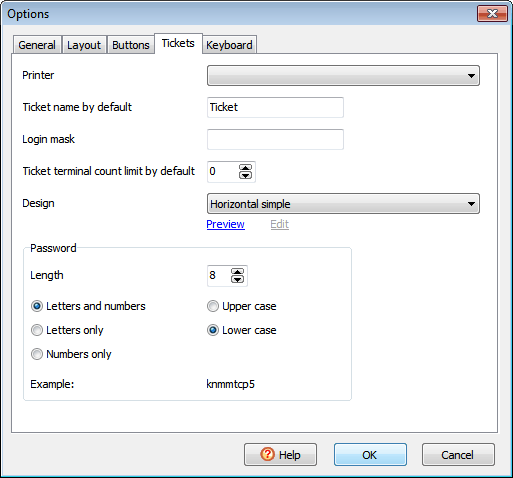
Tickets |
| Ticket name by default |
A name which is assigned to tickets when you create them |
| Login mask |
Add preffix/postfix to a ticket login.
When not empty, must contain %s (e.g. 200801%s).
This option is only applied when you create tickets with login = random option selected.
|
| Ticket terminal count limit by default |
Default "Maximum number of occupied terminals" when you create tickets |
| Design |
Ticket layout on a printed page |
| Password |
Specify a password length, choose whether a password contains letters or numbers or both, select the upper or lower case and view an example |
 |
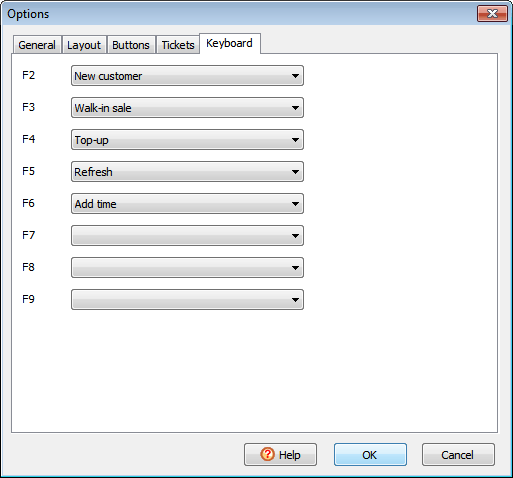
Keyboard |
| Specify the commands to run when you press F2..F9 keys |
 |