|
01 Mar 2013 |
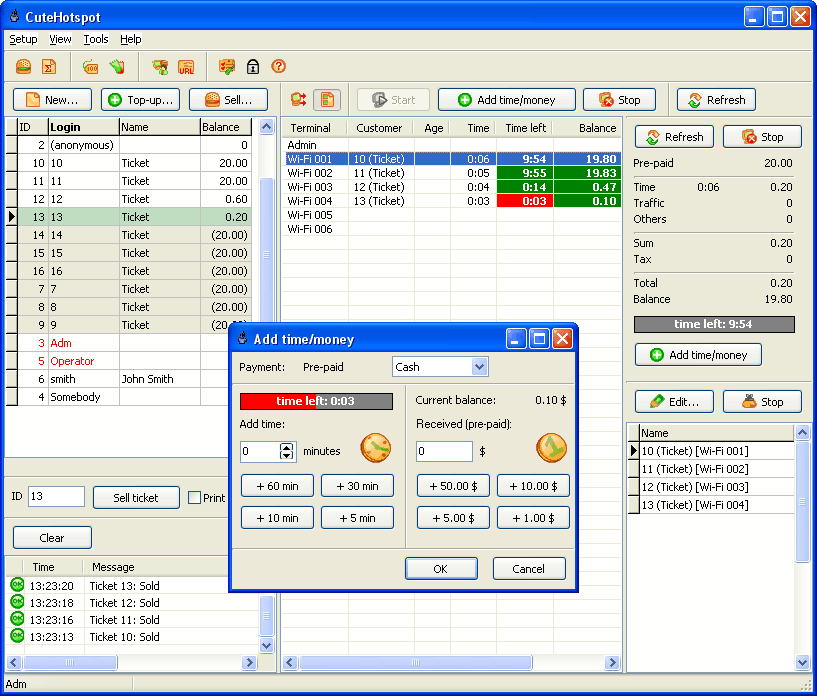
CuteHotspot 4.0 released |
|
|
|
13 Nov 2012 |
PayPal and credit cards |
|
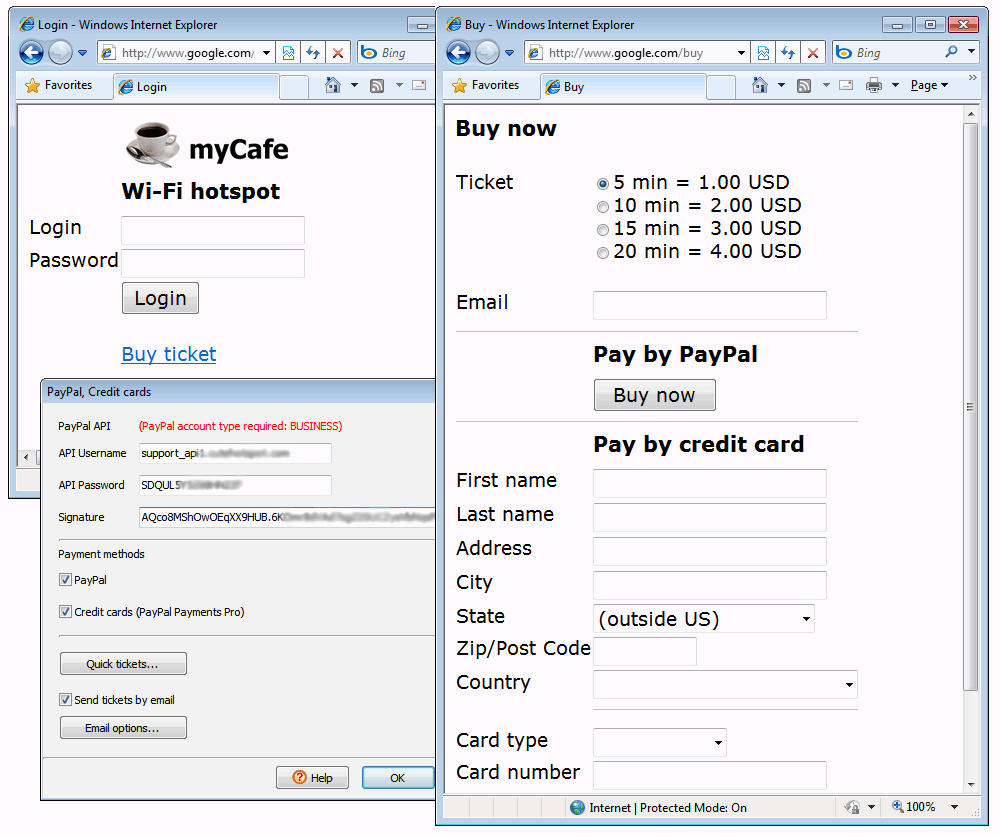
Let your customers buy tickets via PayPal or credit cards.
In order to accept payments, you need a BUSINESS PayPal account.
PayPal Payments Pro option has to be enabled to support credit cards.
Available in the latest beta version
|
|
14 Aug 2012 |
Quick tickets |
|
|
|
08 Aug 2012 |
Minutes on balance |
|
|
|
07 Aug 2012 |
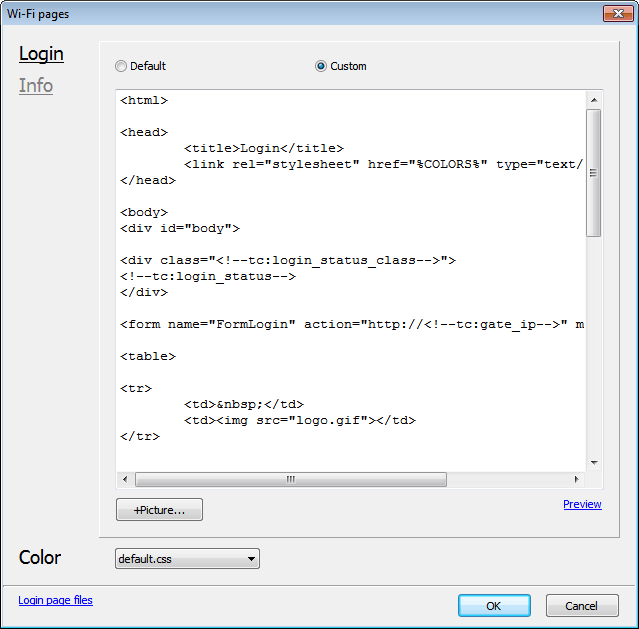
Wi-Fi page editor |
|
|
|
09 May 2012 |
CuteHotspot 3.1 released |
|
|
|
30 Dec 2011 |
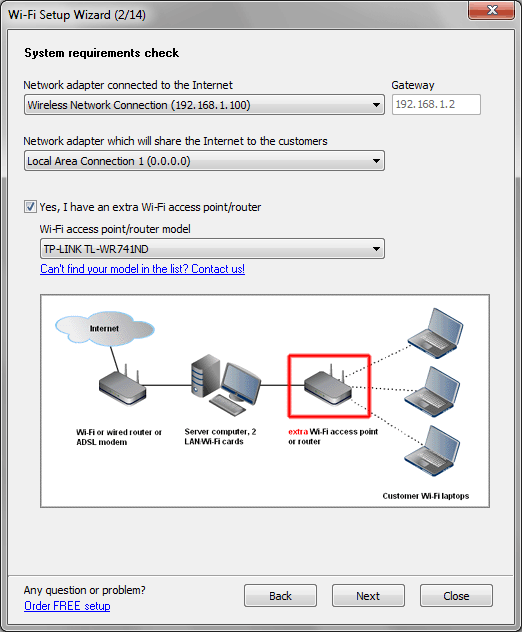
Wi-Fi setup wizard |
|
|
|
11 Dec 2011 |
CuteHotspot 3.0 released |
|
|
|
01 Nov 2011 |
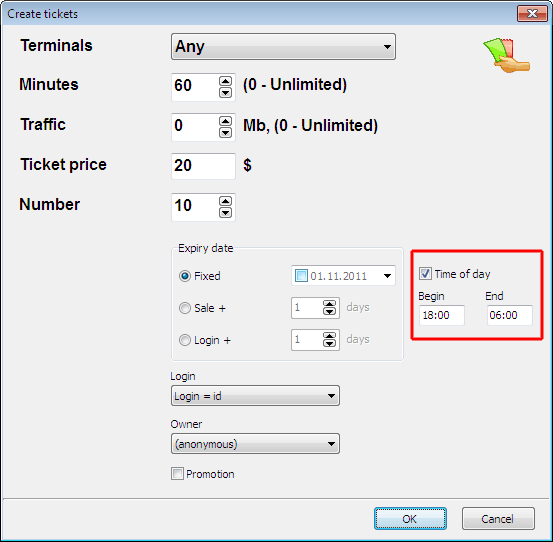
Ticket time of day limit |
|
|
|
05 Oct 2011 |
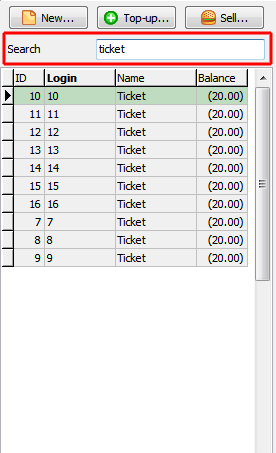
Customer search |
|
|
|
30 Sep 2011 |
Ticket traffic limit |
|
Specify traffic limit in Mbytes when you create pre-paid tickets.
When the limit is over, the customer session is stopped even if some time is still left on the customer's balance.
Available in the latest beta version
|
|
19 Sep 2011 |
Cash drawer support |
|
Use CuteHotspot main menu > Tools > POS. Cash drawer to connect program to your cash drawer.
Cash drawer opens when you change a customer balance or start/extend/stop customer sessions.
Available in the latest beta version
|
|
08 Sep 2011 |
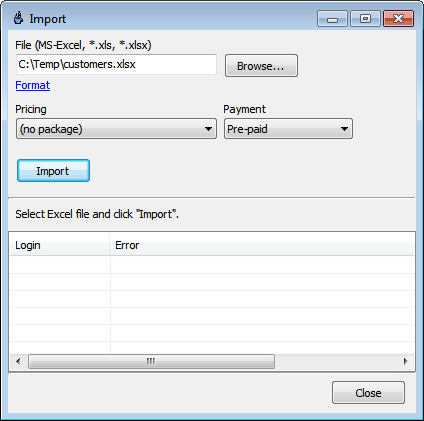
Import customers |
|
|
|
17 Jun 2011 |
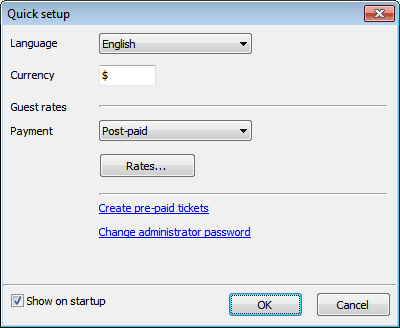
Quick setup |
|
Use Quick setup screen to configure base options when you install the program:
change currency, setup guest rates, create tickets, change administrative password, etc.
Available in the latest beta version
|
|
16 May 2011 |
CuteHotspot 2.4 released |
|
|
|
17 Dec 2010 |
Custom ticket layout |
|
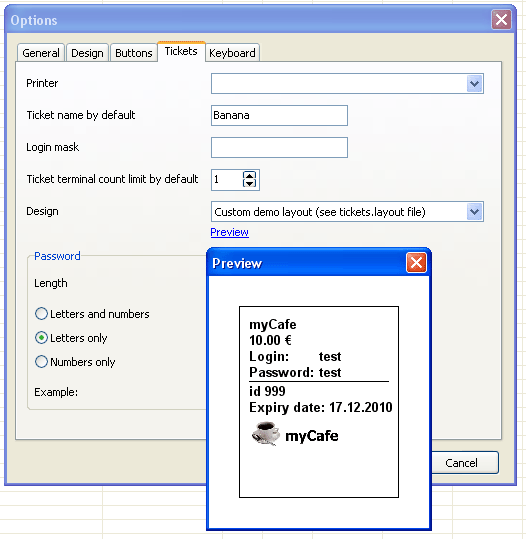
Customize your ticket print layout, add/remove captions, add your cafe logo, etc.
Edit tickets.layout file in the CuteHotspot folder.
Preview ticket layouts.
Available in the latest beta version
|
|
04 Nov 2010 |
Export to CSV |
|
Export most of the lists (tickets, sales, etc.) to CSV-files,
which you can open in Open Office and other programs.
Available in the latest beta version
|
|
27 Oct 2010 |
Cut tickets |
|
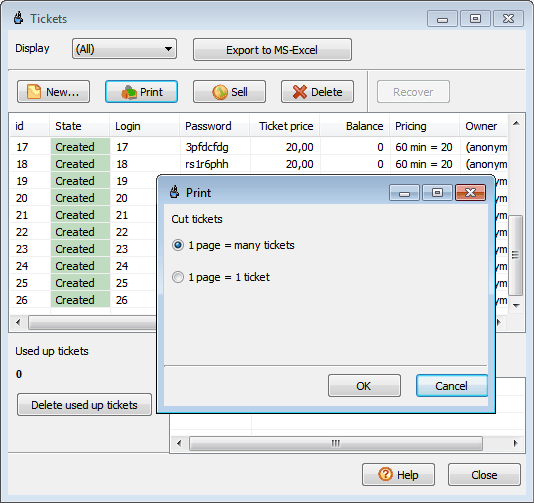
Print a number of tickets on the same page (e.g. A4) or cut every ticket (1 page = 1 ticket).
The latter approach is useful when you print tickets on the receipt printer.
Available in the latest beta version
|
|
18 Oct 2010 |
CuteHotspot 2.3 is released |
|
|
|
10 Jun 2010 |
Scan customer documents |
|
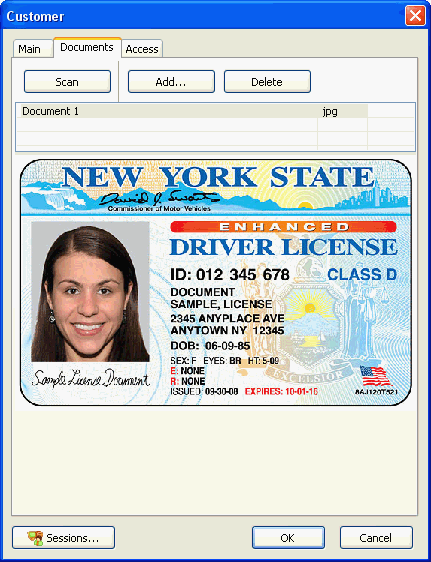
Scan customer documents such as a photo, passport, driving license, etc.
Click on the customer icon to scan a photo or use the Documents tab to scan any other documents.
Available in the latest beta version
|
|
09 Feb 2010 |
Wi-Fi billing setup on Windows 7 |
|
|
|
01 Dec 2009 |
Session rounding |
|
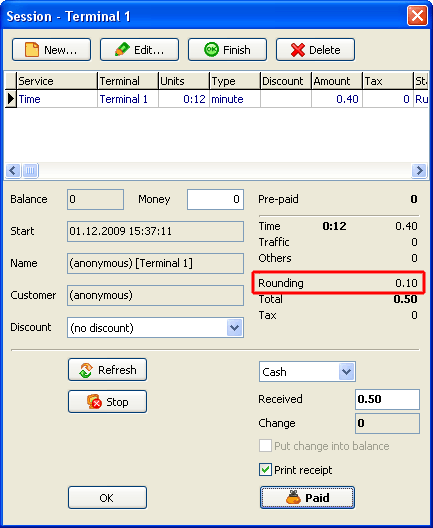
Round total session amount using CuteHotspot main menu > Tools > Options > Rounding option.
For example, if Rounding = 0.5 and the session total = 1.30, it's rounded to 1.50.
Available in the latest beta version
|
|
16 Nov 2009 |
Ticket printer |
|
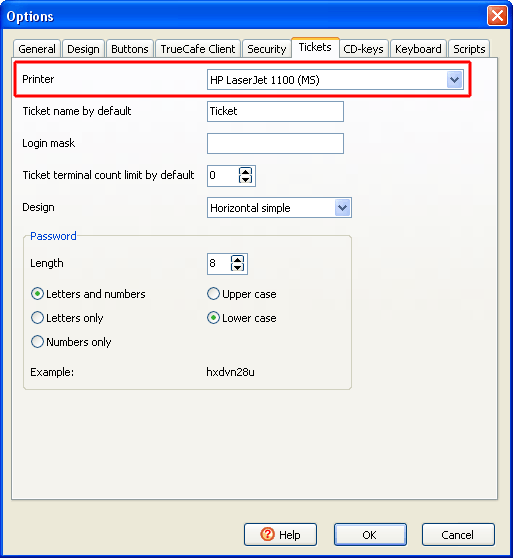
Select a ticket printer if it's not your Windows default one.
For example, you can select your POS printer as your ticket printer.
Available in the latest beta version
|
|
19 Aug 2009 |
CuteHotspot 2.2 is released |
|
|
|
19 May 2009 |
Top-up and ticket receipts |
|
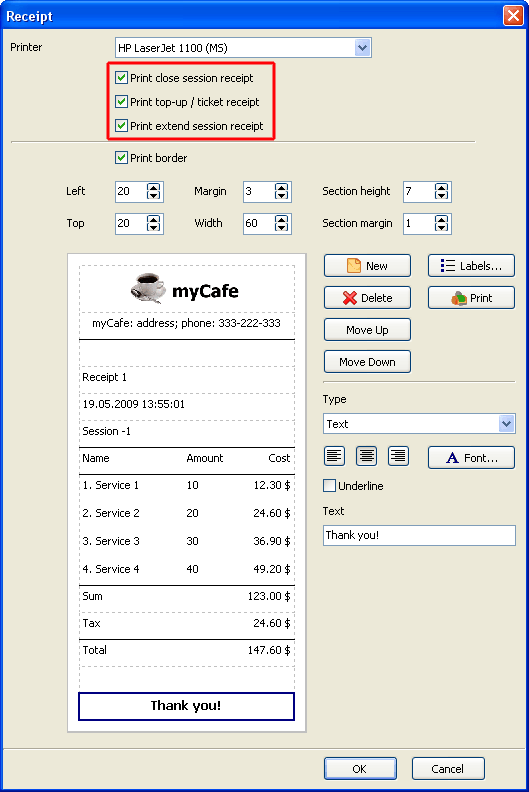
Print a receipt when you top-up a customer account, sell a ticket or extend a session.
Available in the latest beta version
|
|
24 Mar 2009 |
Bandwidth management |
|
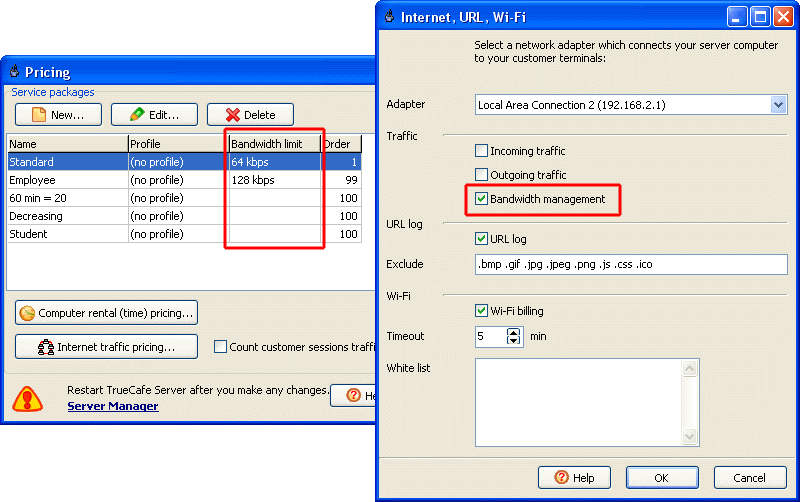
You can now limit Internet bandwidth usage for every customer terminal.
Depending on a pricing package, a bandwidth limit can be 64, 96, 128, etc. kbps or unlimited.
Read more
Available in the latest beta version
|
|
09 Feb 2009 |
Wi-Fi white list |
|
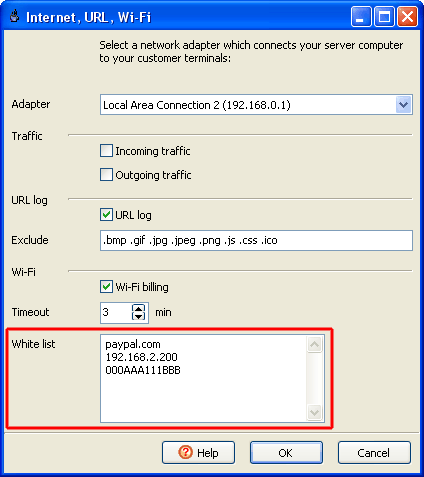
Specify wireless billing exceptions: website names or terminal IP/MAC addresses.
You can add your employees' laptops addresses here so that they have free access to the Internet.
It makes sense to specify your network printers IP addresses as well so that wireless billing doesn't stop printing.
Available in the latest beta version
|
|
07 Oct 2008 |
CuteHotspot 2.1 is released |
|
|
|
21 Aug 2008 |
Select data folder |
|
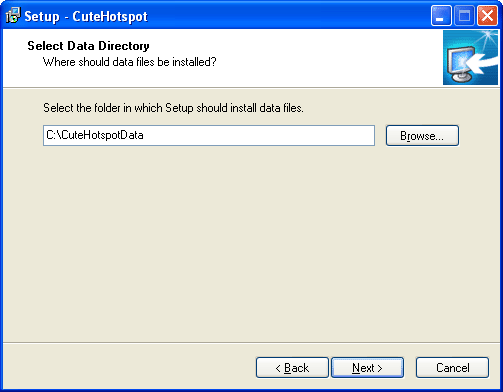
Select a folder where CuteHotspot saves your data (database, logs, etc.).
If you re-install the program, the setup detects your current database and copies it to the new location.
Use Tools > Data folder menu to open your data folder.
Available in the latest beta version
|
|
19 Aug 2008 |
Sales report |
|
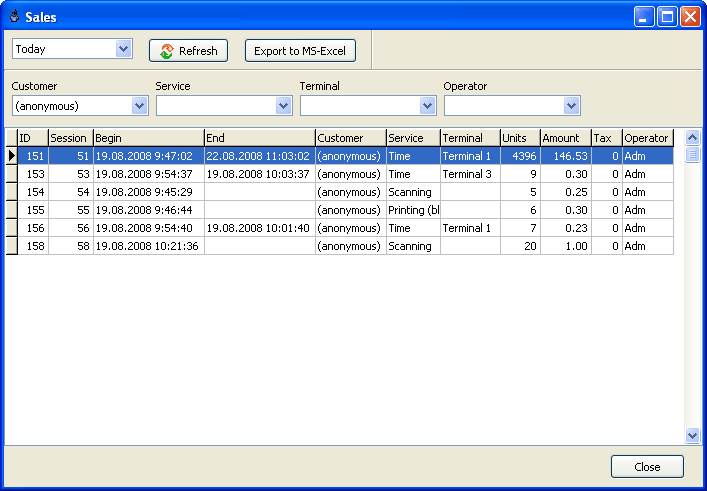
View your sales and filter the list by a customer name, service, terminal name, operator name
(main menu > View > Sales).
Available in the latest beta version
|
|
15 Aug 2008 |
Cleanup: sales data |
|
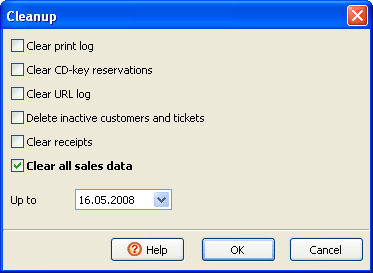
In order to optimize your database you can delete the following sales data:
unused customers, sales, customer sessions, top-ups and shifts.
Available in the latest beta version
|
|
14 Aug 2008 |
Shift management |
|
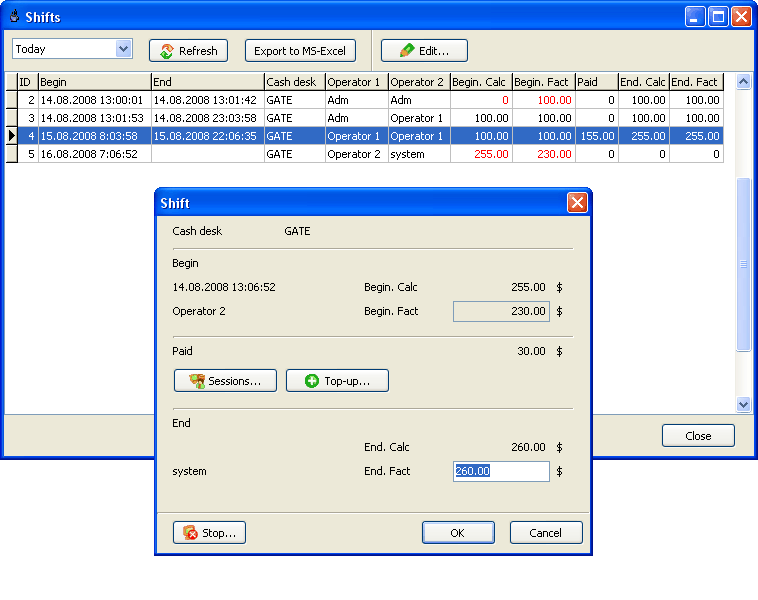
Use shift management to control your operators.
Turn on Shift control option (main menu > Tools > Options)
so a shift must be started in order to collect any payment (close a customer session, top-up account, sell a ticket).
When an operator starts/stops a shift, he enters his cash desk initial/final cash amount for the moment.
You may compare these actual cash values to the calculated initial/final amounts.
To start/stop a shift use main menu > Setup > Start shift or Stop shift items.
Available in the latest beta version
|
|
21 Jul 2008 |
Promotional tickets |
|
Create a number of tickets for the promotional purpose.
When you sell a promo ticket, its amount is added to the "promo totals" in the daily report.
Available in the latest beta version
|
|
18 Jul 2008 |
Wi-Fi sessions timeout |
|
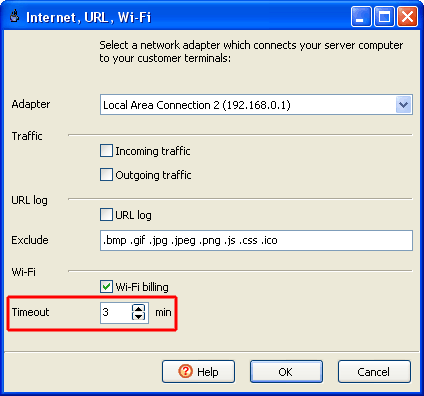
Stop a Wi-Fi session automatically when it's inactive for a few minutes
or a customer leaves your shop not logging out.
Available in the latest beta version
|
|
16 Jul 2008 |
View customer sessions |
|
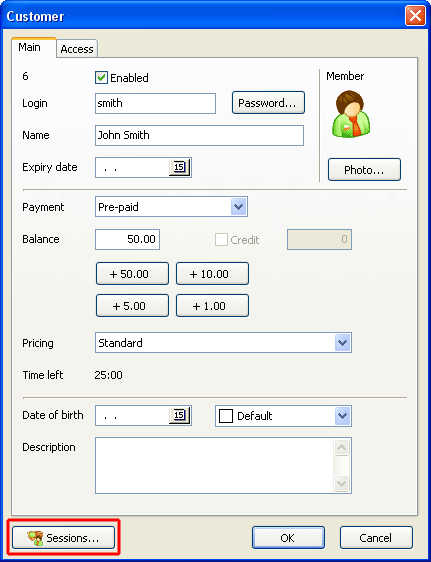
You can now click on the Sessions button on the customer window
to get the list of the customer sessions.
Available in the latest beta version
|
|
14 Jul 2008 |
Continue Wi-Fi session |
|
When your customers log in they can now see their original redirected website links
on the session info page and click them to continue their sessions.
Available in the latest beta version
|